

Specialized Dacor Appliance Repair in San Francisco
Mon–Sat: 8:00 AM – 7:00 PM
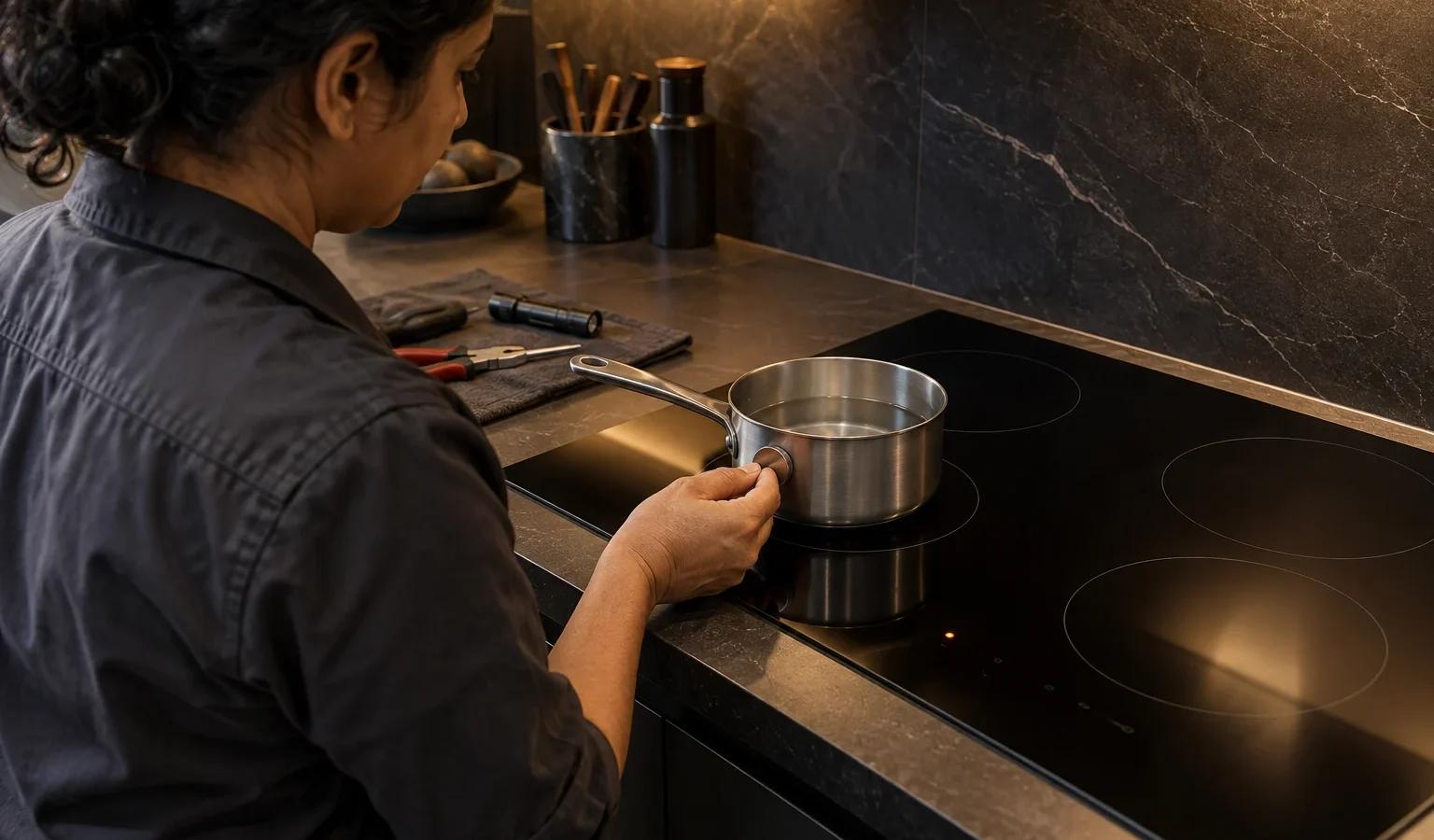
If a Dacor induction cooktop ignores a pan, the usual causes are the cookware, its position or a dirty surface. Start with the pot before suspecting the cooktop.
Dacor repairSan Francisco & the Bay Area
You set a pan on an induction zone, touch the control, and nothing happens, or a pan icon blinks and the zone shuts off. Induction heats by creating a magnetic field that couples with the pan itself, so the cooktop has to detect that coupling before it lets the zone run. Anything that weakens the coupling can make the cooktop decide no pan is there.
Induction works with cookware that is magnetic. A simple test is to hold a magnet to the bottom of the pan. If it holds firmly, the pan is a candidate. Aluminum, copper and glass pans without a magnetic layer will not register. Some stainless pans contain a magnetic base, while others do not.
Very small pans sit below the detection threshold, and pans with warped or rounded bottoms do not couple evenly. A pan that was once flat can warp after being heated on a high setting and then cooled quickly, and it may stop being detected on one zone while working on another.
The pan should sit centered over the marked zone. A pan sitting partly off the ring may be detected poorly. If a pan is only noticed in a certain position, the cookware, not the cooktop, is usually responsible.
If the same pan works on one zone and not another, or if a pan that always worked suddenly does not, the sensing or the board for that zone may be involved. Dacor publishes error codes for its Modernist induction unit, such as C0, a top sensor open reading, and C1, a top sensor shorted reading. They are sensor entries, not a pan-detection definition, so treat them as a sign that a technician should test the sensing circuit. Our Dacor induction error codes guide lists the whole set.
Do not remove the glass or access the electronics. Do not place metal tools, foil or a cloth on the surface hoping to trick the sensing.
Dacor lists induction cooktops such as the Dacor DTI30M977BB repair and Dacor DTI30P876BB repair units, and an induction range, the Dacor HIPR30C repair, from the Heritage line. The same pan-sensing logic applies, though the model label location differs. It usually sits on the underside or the chassis edge of a cooktop and on the oven frame of a range.
Cookware changes over time. A pan that has been scorched, dropped or heated empty may no longer sit flat, and a pan whose magnetic layer has delaminated can stop coupling with the field. If an old favorite no longer works but a new pan does, retire the old pan before blaming the cooktop. Sets of pans that were bought before induction was installed are a frequent source of confusion in remodeled kitchens, because some pieces work and some do not.
Resist the temptation to lay a steel utensil, a piece of foil or a cloth on a zone to see whether it reacts. Small metal objects can heat rapidly under induction and cause burns, and a wet cloth can damage the glass. Test only with proper cookware, and keep rings, keys and other metal items away from active zones.
Induction cooktops need a clean electrical supply and good airflow beneath the glass. In Bay Area condos, countertops are often shared with deep drawers directly under the cooktop, and items stored there can block the cooling air and trigger protective shutdowns. If your pan problem started together with a fan sound or a code, ventilation may be part of the story.
Name the pan material and size, say which zones respond, and mention whether the problem is constant or comes and goes. If a pan that worked yesterday is ignored today, say so. Tell us too if a drawer or cabinet beneath the cooktop is packed tightly, and whether the building had a power interruption. These small facts shorten the diagnosis and help us bring the right tools.
Book if known good pans are ignored on one or all zones, if a zone shuts off by itself, or if a code appears. We diagnose first, explain what was found and give a written estimate. Nothing is repaired without your approval. See Dacor cooktop repair for the service and Dacor cooktops and rangetops for the lineup.
Hold a magnet to the bottom. If it clings firmly, the pan is magnetic and likely to work. If it does not, the cooktop will not detect it.
The pan may be off-center, warped or too small for one zone. If a flat, suitable pan fails on a single zone, the sensing for that zone may need a technician.
Yes. Moisture on the touch controls can lock out a zone or cause stray beeps. Wipe the surface dry and try again.
Often it means the cooktop cannot detect cookware properly, which points to the pan or its position. Try a known good pan before concluding anything.
No. Detection can fail without any code. If a code does appear, note it and send it with the model number when you book.
Share a few details and we’ll confirm an appointment. Prefer to talk? Call us and we’ll help right away.