

Specialized Dacor Appliance Repair in San Francisco
Mon–Sat: 8:00 AM – 7:00 PM
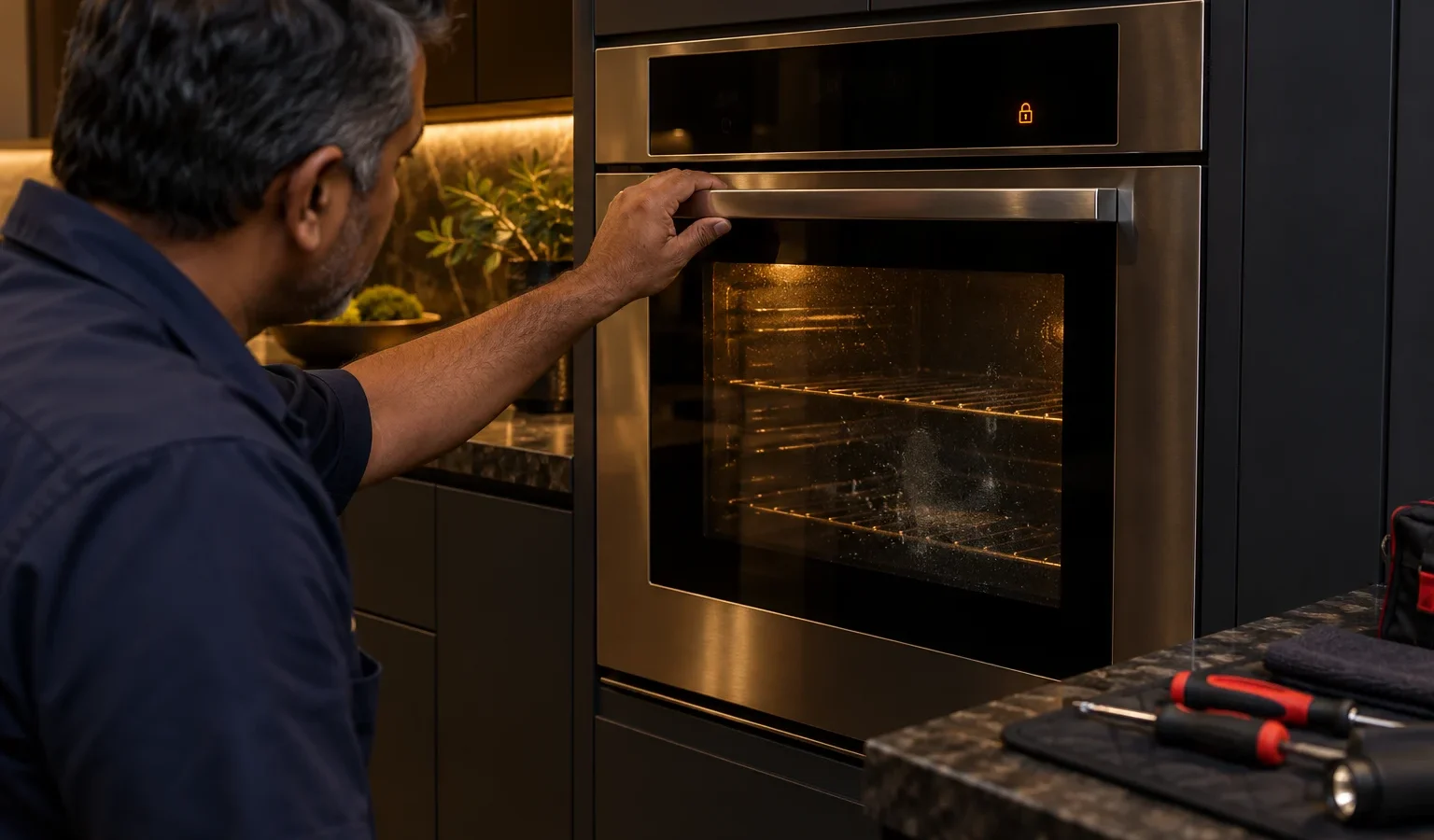
The latch stays locked, the cycle ended long ago and the door will not budge. This is what a stuck lock means and how to approach it without forcing anything.
Dacor repairSan Francisco & the Bay Area
A wall oven door that stays locked is alarming mostly because it feels like a trap. The racks are inside, dinner may be inside, and every instinct says to pull harder. Resist that. The lock is a safety system, and when it holds on, it usually has a reason, even if the reason turns out to be a fault rather than real danger.
During self-cleaning, the oven runs far hotter than it does for baking, and the control locks the door so nobody opens it into that heat. A small motor drives the latch hook, and switches report back whether the door is locked, unlocked or in between. The control waits for two things before it lets go: the cycle must be over, and the temperature reading must show that the cavity has cooled.
That means a door that will not unlock can be waiting for a cooling reading that never arrives, waiting for a latch switch that no longer reports correctly, or waiting for a latch motor that cannot turn the hook.
After cleaning, the cavity takes a long time to cool, particularly in a tight cabinet. Many cases of a door that will not open are simply the lock doing what it should. Give the oven plenty of time with the door left shut and the power on, because the fan helps the cooling.
If the sensor reports a high reading or has failed, the control assumes the oven is still hot and keeps the lock engaged. The oven may also show a sensor-related code.
The latch motor, the hook, the cam and the position switches all wear. When the control cannot confirm a clean unlock, it may stay locked and display a code. Our code pages describe how Dacor words these faults, for example Dacor wall oven U50 for a lock that is not detected, Dacor wall oven U51 for a latch phase failure, and Dacor wall oven U55 for a latch motor with absent or low power. Other families use Dacor wall oven C-d1 for a mispositioned door lock, and Dacor wall oven F8 for the lock motor running without the phase switch changing position.
If power drops during cleaning, the control may lose track of whether the door is locked. After power returns, the latch can sit in an undefined position. A code such as Dacor wall oven C90, which reports that power was interrupted and restored, can show up in that situation.
Do not pry the door, push a tool into the latch slot, or try to move the hook by hand. A bent latch or a cracked door frame turns a controllable fault into a much bigger one. And do not try to disconnect the latch motor.
A wall oven sits in a tight cutout, often with a microwave or warming drawer nearby, and the door may be close to a flush cabinet face. If the door is slightly out of square, the latch hook may not line up with its slot. A door that closes with a hard push, scrapes the frame or springs open slightly can also confuse the latch switches. If the lock problem began after a cabinet adjustment or an oven reinstall, mention that.
The model number matters too. Dacor wall ovens come from different generations with different lock designs and different code lists. Models such as the Dacor DOB30T977DS repair double oven page and the Dacor ECS130 repair page cover units that may not behave alike, so we identify the exact one first. The label is usually on the oven frame or just inside the door opening.
If the oven is cool, the power reset has not helped and the door remains locked, book a visit. If anything inside is a safety concern, such as something that may have caught fire, power the oven off at the breaker, keep the door shut so the fire starves of air, and leave the house if there is smoke. If you smell gas from a range below, leave, avoid switches and call the gas utility or 911 from outside.
Our visit starts with the code and the latch behavior, then moves to the sensor reading, then the motor and switches. You receive a written estimate before any work, and nothing is repaired without your approval. Read more on our Dacor wall oven repair page, and see the Dacor wall ovens guide for the lineup.
The control unlocks only after the cavity has cooled, and that takes a while in a built-in cabinet. If the oven is clearly cool and the door still holds, it is time to look at the latch or the sensor.
It can be. You risk hot surfaces, a broken latch or a damaged door frame. Wait for the oven to cool and book a visit if it does not unlock.
A latch fault or a stuck sensor reading can keep the lock engaged after any cycle. A code on the display helps us narrow the cause.
It can. If power drops mid-cycle, the latch can end up in an unknown position until the control resets. A single power reset after cooling sometimes frees it.
The model number, any code, what cycle was running, when the power last went out, and the checks you tried.
Share a few details and we’ll confirm an appointment. Prefer to talk? Call us and we’ll help right away.