

Specialized Dacor Appliance Repair in San Francisco
Mon–Sat: 8:00 AM – 7:00 PM
A code on a Dacor combi oven names a sensor or a system, not a part to buy. Here is how the cooking, steam and drain codes read and what to check before booking.
Dacor repairSan Francisco & the Bay Area
A Dacor combination oven mixes convection heat, steam and, on some units, microwave energy in one cavity. That is a lot of sensors and a drain path in a space the size of a single wall oven, and when one of them reports something unusual, the display answers with a short code. The code is a pointer. It tells a technician which circuit or sensor the control board was unhappy about, and that is a useful place to start, but it is not a verdict on any single part.
Three codes come up most often for this oven type. The cooking sensor code, Dacor steam oven C-10 error code, means the cooking sensor read open or shorted while the microwave function was running. The steam sensor code, Dacor wall oven C-70 error code, means the steam sensor read open or shorted while the oven was running. And Dacor wall oven C-72 error code is described as a drain system problem.
The C-70 and C-72 pages sit in the wall oven section of the code library because the same table covers several oven families, but they apply to combi ovens such as the Dacor DOC30T977DS repair unit as well. Each code page spells out which models the entry covers, so check that line before assuming a match.
Open versus shorted is a distinction the board makes electrically. From your side of the door it all looks the same: a code, and an oven that stops a program or refuses to start one.
Everything on this list happens outside the oven cabinet. Do not remove the trim, the rear cover or any panel, and do not try to reach the steam generator or drain hardware.
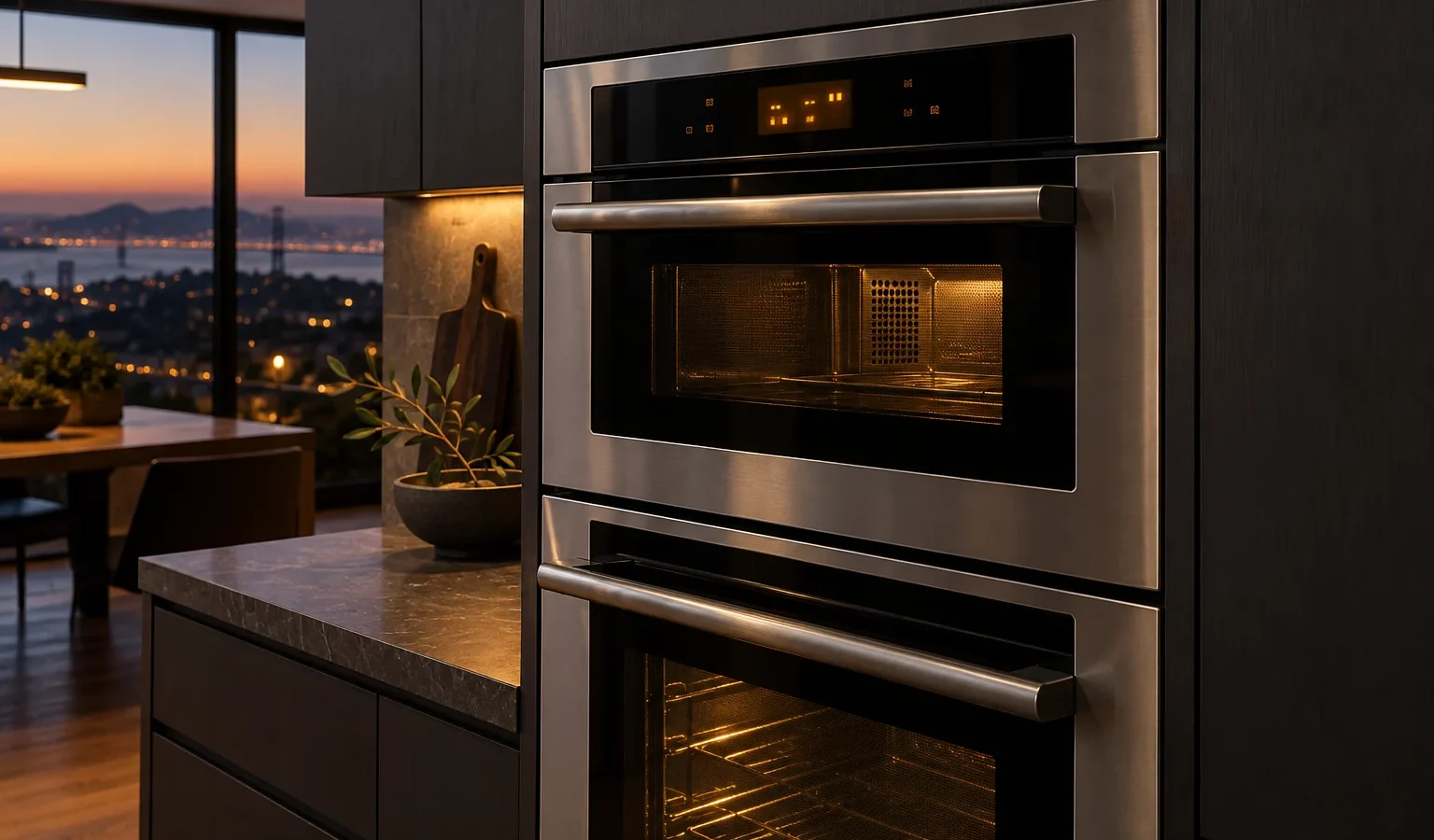
Combi ovens are usually set into a tall cabinet or a wall run with very little air around them. In San Francisco flats and condos, that cabinet is often finished flush against stone or tile, so a technician needs to plan how to slide the unit forward without damaging the surround. A drain code in such a cabinet may involve a drain run behind the wall that the owner cannot see, and a steam code can be affected by how the supply was routed during a remodel. Tell us if the oven was moved or re-plumbed during a renovation. It shortens the first visit.
Stop and switch the oven off at the breaker if you smell burning, see sparks or notice water spreading under or in front of the cabinet. A sensor code on its own is not a safety event, but water on a kitchen floor next to electrical equipment is. Do not keep running steam programs to see whether the code clears.
Codes are published against specific oven families. The same label can mean something different on a wall oven than on a combi unit, and a code seen on a neighbor’s oven may not be on yours at all. The model label usually sits on the oven frame or inside the door opening. Our guide to how to find a Dacor model number shows the usual places. With the model and the code together, a technician can arrive with the right test plan.
Diagnosis comes first. The technician confirms the code, tests the sensor circuit or the drain path it points to, and explains what was found. You get a written estimate before any repair begins, and nothing is repaired without your approval. If the oven needs a part that has to be ordered, we say so plainly and agree on the next step with you.
For the full picture of what we handle, see Dacor steam oven repair and the overview of Dacor steam and combi ovens. If your oven is a double or single wall unit rather than a combi, Dacor wall oven repair covers that case. Owners comparing units may also find the Dacor DOC30M977DM repair page and the Dacor DOC30P977DS repair page useful.
The code page describes it as a cooking sensor problem noticed while the microwave function was active. If it appeared during a plain steam or convection program, note that and tell the technician, because it helps narrow where to look.
It is better to stop. The code reports the steam sensor as open or shorted, so the oven is working without a trustworthy reading from that sensor. A technician should look at it before regular use resumes.
You can check the outside things: power, the water supply and a properly seated reservoir if your unit has one. The drain hardware itself sits inside the cabinet and should be handled by a technician.
Dacor publishes some codes against several oven families together. The code page names the models it applies to, and combi ovens are included for the steam and drain entries.
The code as shown, the model label if you can reach it, what the oven was doing at the time, and whether the kitchen was remodeled recently.
Share a few details and we’ll confirm an appointment. Prefer to talk? Call us and we’ll help right away.